
Most SEO problems aren't actually content problems — they're design problems disguised as SEO ones. A slow-loading hero image, an unstable layout, a mobile menu that breaks, or a JavaScript-heavy build that Google can't fully render will quietly suppress your rankings no matter how good your content is. Google's Core Web Vitals are now confirmed ranking factors, and over 70% of web traffic in 2026 comes from mobile devices, which means design decisions affect SEO more directly than ever. This article covers the specific design mistakes that hurt rankings, how to identify them on your own site, and what to fix first. At Avanahub, this is what we audit before touching keywords or content when a client's site stops ranking.
Why Web Design Now Directly Affects SEO

Google evaluates websites the way users experience them. That shift started with the Page Experience update and has grown every year since. In 2026, the line between "design choice" and "ranking factor" essentially doesn't exist anymore.
Three things make design and SEO inseparable now:
- Core Web Vitals are confirmed ranking signals. LCP, CLS, and INP — which measure loading speed, visual stability, and responsiveness — are determined almost entirely by design and build decisions.
- Mobile-first indexing is the default. Google ranks the mobile version of your site, not the desktop one. A site that looks great on a 27-inch monitor and breaks on a phone gets ranked on the broken version.
- User behavior is now a ranking input. Pogo-sticking (users hitting back immediately), short dwell time, and high bounce rates all signal to Google that your design isn't working — and rankings drop accordingly.
The 10 Web Design Mistakes That Hurt Rankings Most
1. Slow Loading Speed and Poor Core Web Vitals
This is the single biggest design-related SEO problem in 2026. Google's threshold for Largest Contentful Paint is 2.5 seconds — anything slower is classified as poor and pushes you down in rankings.
53% of users abandon a page that takes more than 3 seconds to load on mobile. Every 100 milliseconds of latency costs measurable conversions, with Amazon famously documenting a 1% revenue loss per 100ms delay.
The most common speed killers are oversized hero images that aren't compressed or served in modern formats like WebP, too many third-party scripts (chat widgets, analytics, ad pixels, marketing tags), bloated themes loading CSS and JavaScript the page doesn't actually use, and lack of caching or a CDN.
Test your real performance in Google Search Console's Core Web Vitals report or PageSpeed Insights — both pull real user data, not simulated lab tests.
2. Layout That Shifts While Loading
Cumulative Layout Shift (CLS) measures how much elements jump around as the page loads. If a user is about to tap a button and an ad banner pushes it down at the last second, that's a layout shift — and Google penalizes it.
Common causes:
- Images and videos without explicit width and height attributes
- Ads or embedded content that load after the initial page render
- Web fonts that swap mid-load and resize text blocks
- Pop-ups or banners injected after page load
The fix is reserving space for every element before content loads. Set width and height on all images. Pre-allocate space for ads. Use font-display: optional or self-host fonts to prevent text reflow.
3. Mobile Layouts That Aren't Genuinely Responsive
A responsive layout in 2026 isn't just a desktop site that scales down. Google evaluates whether your mobile version actually works — readable text, tap targets large enough for thumbs, no horizontal scrolling, and full content parity with desktop.
The common failures:
- Tap targets smaller than 44x44 pixels, which fail Google's mobile usability test
- Hidden content on mobile that exists on desktop, which Google treats as missing
- Pop-ups that cover the entire screen on mobile (these are explicitly penalized as intrusive interstitials)
- Navigation menus that break or hide critical links on small screens
Test on real devices, not just browser developer tools. Emulators miss rendering issues that show up only on actual phones.
4. JavaScript-Heavy Builds That Block Crawling
Modern frameworks like React, Vue, and Angular let designers build beautiful sites — and create serious SEO problems if implemented carelessly. If your content only renders after JavaScript executes, Google has to do extra work to see it, and sometimes doesn't see it at all.
The pattern shows up most often in single-page applications, sites that rely on client-side rendering for primary content, lazy-loaded content that requires scrolling or interaction to load, and heavy use of JavaScript-generated text instead of HTML.
If your business depends on SEO, server-side rendering or static generation is almost always the better choice over client-side rendering. Frameworks like Next.js and Nuxt handle this without sacrificing the design quality of modern JavaScript builds.
5. Intrusive Pop-Ups and Interstitials

Google explicitly penalizes "intrusive interstitials" — pop-ups that block content, especially on mobile. The penalty isn't theoretical; sites with full-screen pop-ups consistently rank lower than competitors who use less aggressive lead capture.
What's still allowed:
- Cookie consent banners (legally required)
- Age verification gates where required by law
- Small banners that don't block the main content
What hurts rankings:
- Full-screen pop-ups on first page load
- Modal overlays that block content before the user reads anything
- Aggressive exit-intent pop-ups on mobile
If you need lead capture, use embedded forms in the content or modest slide-ins that appear after meaningful engagement.
6. Poor Site Architecture and Internal Linking
A site's structure tells Google which pages are important and how topics connect. Weak architecture leaves pages orphaned, dilutes ranking signals, and makes it harder for Google to crawl efficiently.
The signs of broken architecture:
- Pages with no internal links pointing to them (orphan pages)
- Critical pages buried 4+ clicks deep from the homepage
- Navigation menus with too many items, none clearly prioritized
- Inconsistent URL structures that mix patterns randomly
Good architecture is flat — important pages reachable in 2 to 3 clicks from the homepage — with clear topic clustering and logical internal links between related pages.
7. Missing or Weak Mobile Content Parity
Until 2018, many sites stripped content on mobile to make pages "cleaner." That's now an active ranking liability. Google's mobile-first index uses the mobile version as the primary source for ranking, so content hidden on mobile is content Google doesn't see.
Make sure the mobile version includes:
- Every headline, paragraph, and image from desktop
- The same internal links and CTAs
- The same structured data and schema markup
- The same metadata and titles
Hiding content behind "show more" buttons or tabs is fine if the content still exists in the HTML — but actually removing it from mobile breaks rankings.
8. Images Without Optimization or Alt Text
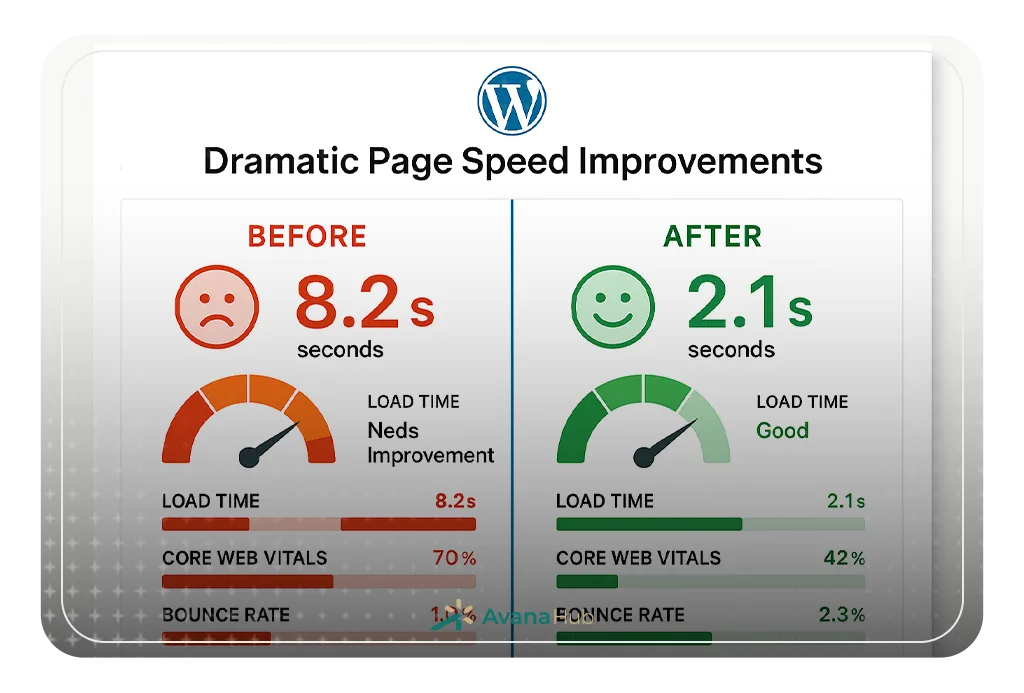
Image issues cause both speed problems (covered above) and direct SEO losses through missing alt text. Alt text serves two purposes: accessibility for screen readers and content signals for search engines on image search and AI-driven discovery.
The mistakes I see repeatedly:
The fix is straightforward: compress everything, use modern formats, write descriptive alt text on every meaningful image, and lazy-load anything below the fold.
9. Broken or Missing Schema Markup
Structured data tells search engines what your content is — a product, a service, a local business, a recipe, a review. In 2026, schema markup is also one of the strongest signals for AI-driven search visibility, because LLMs use structured data to verify entities.
Common schema mistakes:
- No schema markup at all on a business website
- Wrong schema type (using Organization when LocalBusiness is appropriate)
- Schema that doesn't match the visible page content (Google penalizes this as deceptive)
- Outdated schema that hasn't been updated after site changes
Validate your schema in Google's Rich Results Test. If it doesn't show up there, search engines aren't reading it.
10. Ignoring Accessibility Standards
Accessibility failures correlate strongly with SEO failures because both depend on clean, semantic HTML. Sites that fail accessibility testing usually have crawl problems, mobile usability issues, and weak semantic structure that Google can't interpret reliably.
The accessibility issues that also hurt SEO:
- Non-semantic HTML (using for everything instead of , , , )
- Missing form labels, which break both screen readers and Google's understanding of form purpose
- Poor color contrast that hurts dwell time when users can't read content
- Missing focus states that break keyboard navigation and signal weak code quality
Accessibility isn't separate from SEO — it's part of the same foundation.
How to Identify Which Mistakes Apply to Your Site
The fastest audit takes about 30 minutes if you use the right tools.
Start with Google Search Console — the Core Web Vitals report and Mobile Usability report show real performance data from actual Chrome users on your site. This is the most accurate diagnostic available because it reflects what users and Google actually experience.
Then run PageSpeed Insights on your homepage, top service page, and a typical blog post. Note the LCP, CLS, and INP scores for both mobile and desktop. Anything in the orange or red zones needs fixing.
Use the Rich Results Test to check whether your schema markup is valid and recognized.
Finally, browse your site on an actual phone — not a browser developer tool. Check how the menu works, whether buttons are tappable, whether content loads cleanly, and whether anything jumps around as the page renders.
What to Fix First — A Priority Order
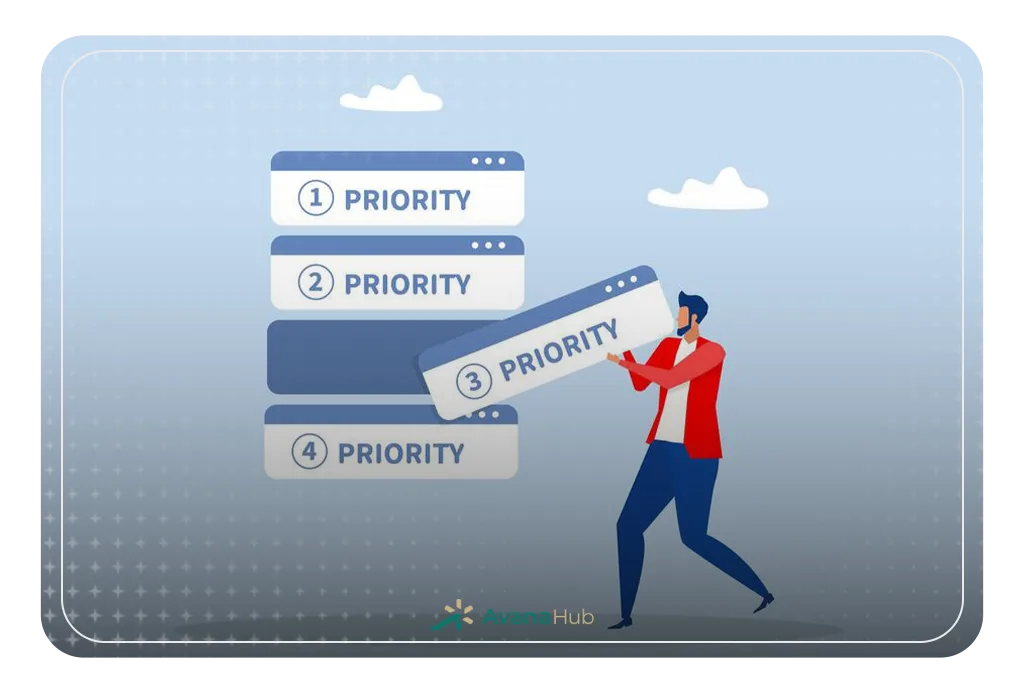
Not every issue carries equal weight. Fix in this order:
- Core Web Vitals failures, especially LCP — this has the biggest direct ranking impact.
- Mobile usability problems, since Google ranks the mobile version of your site.
- Intrusive interstitials and pop-ups, which are explicit ranking penalties.
- JavaScript rendering issues, if Google can't see your content nothing else matters.
- Site architecture and internal linking — fixes here compound across every page.
- Schema markup, image optimization, and accessibility — important but lower-priority than the above.
Conclusion
The websites that rank in 2026 aren't the ones with the most aggressive SEO tactics — they're the ones that work well as websites. Fast loading, stable layouts, working mobile experience, clean code, clear architecture. Get those right and most SEO problems either don't exist or fix themselves.
If your site has been losing rankings without an obvious content reason, the answer is almost always in this list. Run the audit, identify which mistakes apply, and fix them in priority order.