
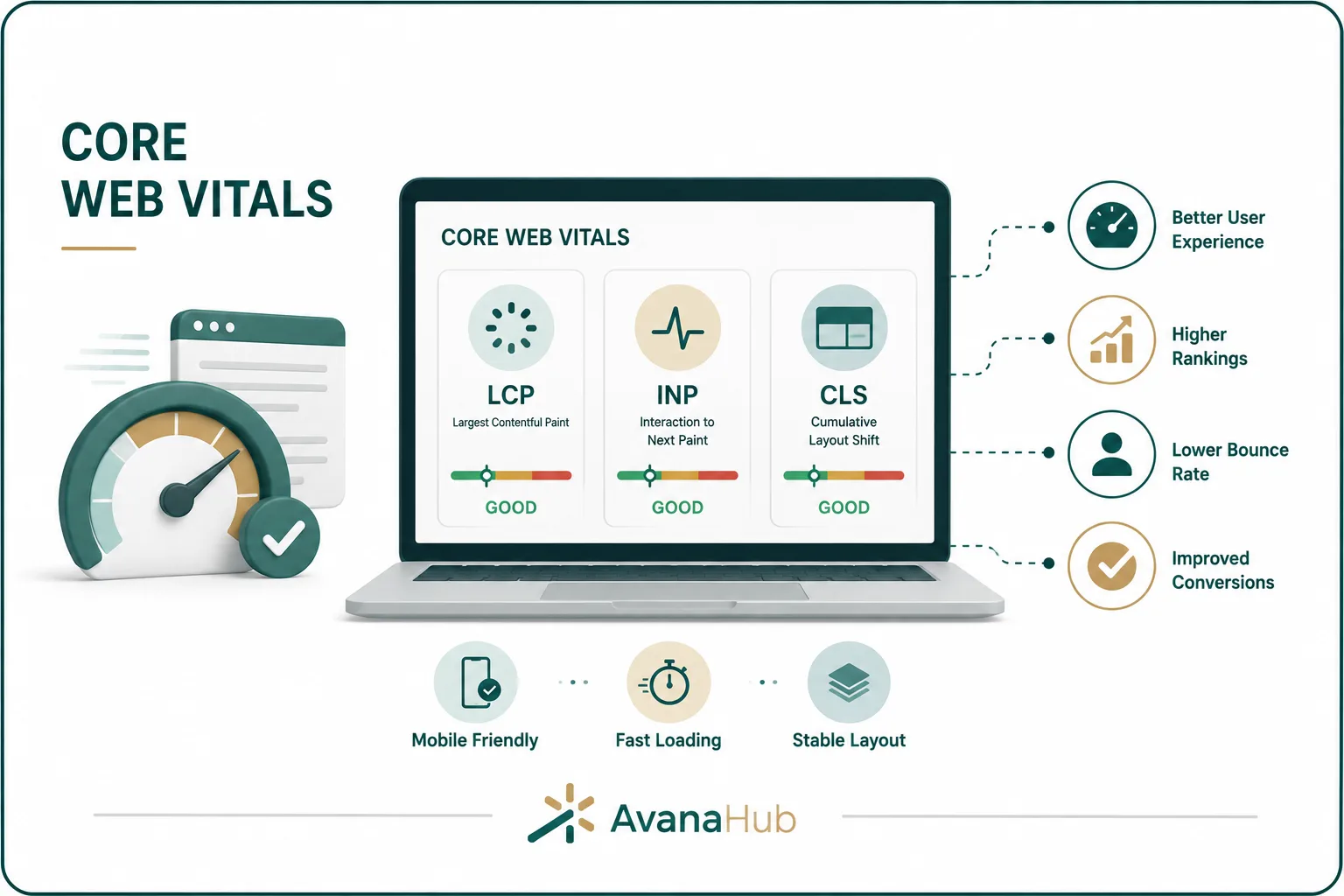
Core Web Vitals are Google’s user experience metrics for measuring how fast, responsive, and visually stable a web page feels to real users. They matter because page experience affects how visitors interact with content, forms, product pages, landing pages, and navigation. A page with useful content can still lose traffic, leads, and sales if it loads slowly, reacts late, or shifts layout while users are trying to read or click. In this guide, Avana explains what Core Web Vitals are, how they affect SEO and conversion performance, how to measure them, and how to improve them with practical technical actions.
What Are Core Web Vitals?
Core Web Vitals are three performance metrics that measure important parts of page experience: loading speed, interaction responsiveness, and visual stability. The current Core Web Vitals metrics are Largest Contentful Paint, Interaction to Next Paint, and Cumulative Layout Shift.
Core Web Vitals do not replace content quality, relevance, backlinks, search intent, or technical SEO. They help evaluate whether users can access and interact with a page comfortably after arriving from search, ads, social media, email, or direct visits.
Why Core Web Vitals Matter for SEO
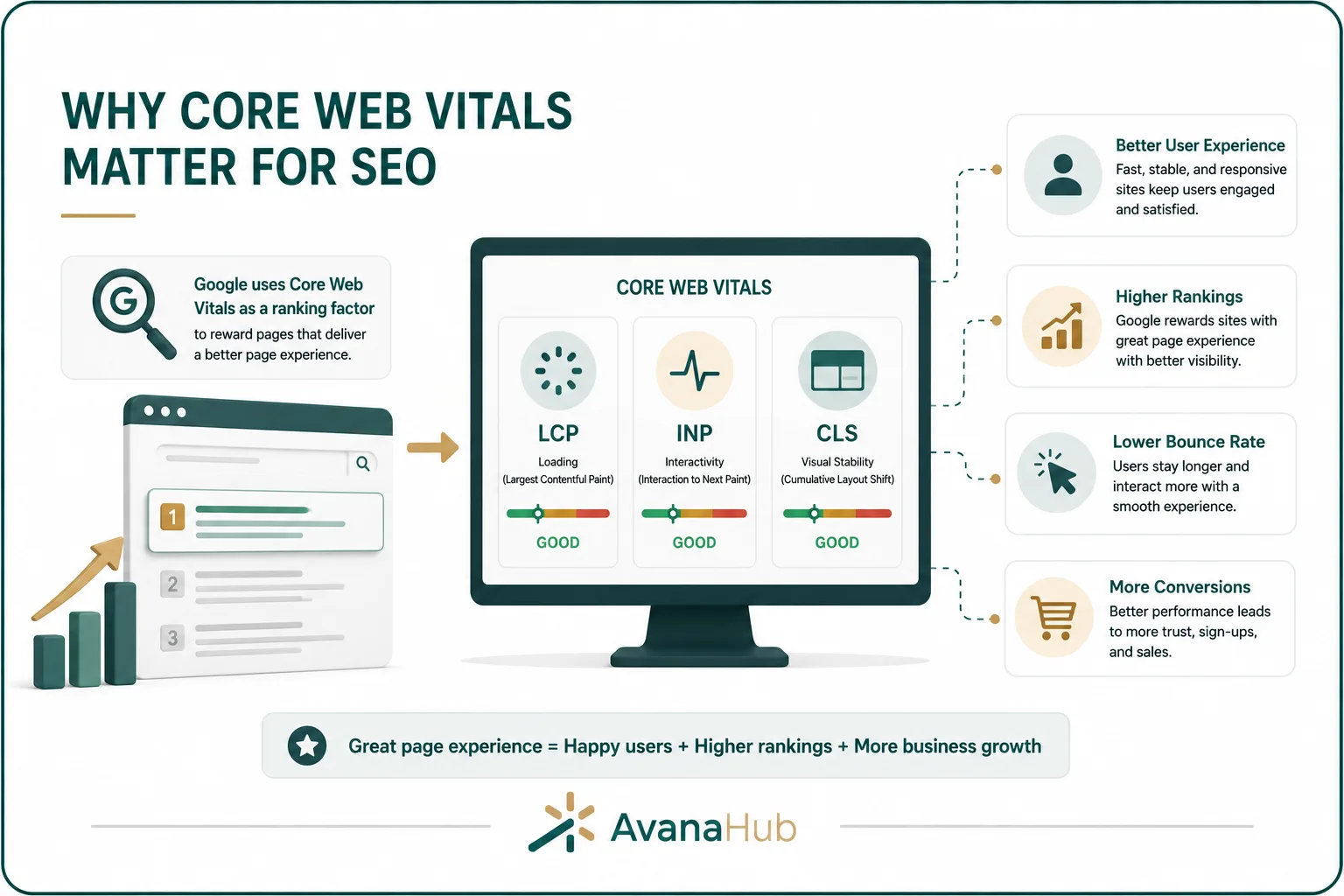
Core Web Vitals matter for SEO because they affect user experience after the click, mobile usability, engagement behavior, conversion rate, and the perceived quality of a page. However, they should not be treated as a replacement for search intent, content depth, internal linking, technical accessibility, or authority building. For a complete optimization strategy, Core Web Vitals should be handled as one part of a wider framework that connects performance, content, crawlability, page structure, and user trust. Teams that need a broader view can use The Complete SEO Guide to understand how page experience fits into the full SEO process rather than treating speed scores as a standalone goal.
Core Web Vitals matter for SEO because they affect:
- User experience after the click
- Mobile usability
- Crawl and rendering efficiency
- Engagement signals such as bounce behavior and task completion
- Conversion rate on organic landing pages
- Perceived trust and professionalism
- Competitive performance in crowded search results
A page can rank with poor Core Web Vitals if it strongly satisfies the query, but this is not a reliable strategy. Fast, stable, responsive pages reduce friction and improve the value of every traffic source.
Core Web Vitals and Page Experience
Improving Core Web Vitals usually improves page experience, but it does not guarantee a strong page. A fast page with unclear content, weak author signals, confusing navigation, or limited practical value can still underperform. Page experience should support content credibility, not replace it. For this reason, E-E-A-T Improvement should include both content-level work, such as expert input, clear sourcing, helpful examples, and transparent authorship, and experience-level work, such as faster loading, stable layouts, readable design, and reliable interaction.
Core Web Vitals focus on measurable performance problems:
Improving Core Web Vitals usually improves page experience, but it does not guarantee a good page. A fast page with unclear content, confusing navigation, or weak intent alignment can still underperform.
Largest Contentful Paint Explained
Largest Contentful Paint, or LCP, measures how long it takes for the largest visible content element in the viewport to load. This element is often a hero image, main heading block, banner, product image, video poster, or large text section.
A good LCP score is 2.5 seconds or less.
LCP matters because users judge page speed based on when the main content becomes visible. If the page shell loads quickly but the main image or headline appears late, the experience still feels slow.
Common causes of poor LCP include:
- Slow server response time
- Large hero images
- Unoptimized background images
- Render-blocking CSS or JavaScript
- Client-side rendering delays
- Slow font loading
- Heavy above-the-fold sliders
- Excessive third-party scripts
- No caching or weak CDN setup
For SEO pages, the LCP element should load quickly because it usually contains the first meaningful content users came to see.
How to Improve LCP
Improving LCP requires identifying the exact element counted as the Largest Contentful Paint and reducing the time needed to display it.
Practical LCP fixes include:
The best first step is to run the page through PageSpeed Insights or Lighthouse and identify which element is being measured as LCP. Fixing unrelated assets may not improve the actual metric.
Interaction to Next Paint Explained
Interaction to Next Paint, or INP, measures how quickly a page visually responds after a user interacts with it. Interactions include clicks, taps, keyboard input, and other user actions.
A good INP score is 200 milliseconds or less.
INP replaced First Input Delay because it measures responsiveness across the full page session, not only the first interaction. This makes it more useful for modern websites where users interact with menus, filters, forms, tabs, accordions, sliders, carts, maps, and checkout elements.
Poor INP creates a frustrating experience. Users may click a button, see no immediate response, click again, abandon a form, or assume the page is broken.
How to Improve INP
INP problems usually come from too much JavaScript running on the main thread. When the browser is busy processing scripts, it cannot respond quickly to user actions.
Practical INP fixes include:
- Reduce unnecessary JavaScript.
- Break long JavaScript tasks into smaller tasks.
- Remove unused third-party scripts.
- Delay non-essential scripts until after user interaction.
- Optimize event handlers.
- Avoid heavy work during clicks, taps, and form input.
- Use web workers for expensive processing where appropriate.
- Reduce DOM size.
- Simplify complex interactive components.
- Limit excessive tracking tags.
- Avoid loading too many scripts from tag managers.
- Optimize React, Vue, Angular, or other frontend hydration.
For ecommerce websites, INP issues often appear in filters, product variants, cart drawers, checkout steps, and search interfaces. For lead generation websites, they often appear in forms, menus, pop-ups, booking widgets, and embedded tools.
Cumulative Layout Shift Explained
Cumulative Layout Shift, or CLS, measures unexpected layout movement while a page loads or updates. A layout shift happens when visible elements move without user action.
A good CLS score is 0.1 or less.
CLS matters because unexpected movement can cause users to lose their reading position or click the wrong button. This is especially harmful on mobile pages, forms, checkout pages, product pages, and ad-supported content.
Common causes of poor CLS include:
- Images without width and height attributes
- Ads loading without reserved space
- Embedded videos or iframes without fixed dimensions
- Fonts swapping and changing text size
- Banners inserted above existing content
- Cookie notices pushing content down
- Late-loading navigation bars
- Dynamic content injected near the top of the page
CLS is not caused by every movement. User-triggered changes, such as opening an accordion or menu, are generally not treated the same as unexpected automatic shifts.
How to Improve CLS
Improving CLS means reserving enough space for elements before they load and avoiding unexpected content insertion.
Practical CLS fixes include:
CLS improvements often require template-level fixes. If product images, blog images, ads, or embeds are handled by a CMS template, fixing the template can improve many pages at once.
Field Data vs Lab Data
Core Web Vitals can be measured with field data and lab data. Both are useful, but they answer different questions.
Field data shows how real users experience the page across devices, networks, locations, and browsing conditions. It is the better source for judging whether a page passes Core Web Vitals.
Lab data helps developers identify what is slowing a page down. It can show render-blocking resources, unused JavaScript, image problems, long tasks, and loading waterfalls.
A page can perform well in a lab test but still fail for real users on slower devices or networks. A page can also have limited field data if it does not receive enough traffic.
Core Web Vitals Tools

Different tools provide different levels of detail. Use more than one tool for serious diagnosis.
Google Search Console is useful for identifying affected URL groups. PageSpeed Insights is useful for individual page diagnosis. Chrome DevTools and WebPageTest are better for deeper technical investigation.
How to Read the Core Web Vitals Report in Google Search Console
The Core Web Vitals report in Google Search Console groups similar URLs by performance status. It separates mobile and desktop results because users experience pages differently across devices.
The report usually shows:
- Poor URLs
- URLs that need improvement
- Good URLs
- Affected URL groups
- Metric causing the issue
- Validation status after fixes
Use this report to identify patterns. If many blog posts fail LCP, the issue may be the article template or featured image setup. If product pages fail CLS, the issue may be image sizing, product widgets, reviews, ads, or dynamic content. If many pages fail INP, the issue may be global JavaScript, theme scripts, tag manager, or frontend framework hydration.
Do not fix one URL manually when the problem comes from a shared template. Template-level fixes are more efficient and more reliable.
Core Web Vitals by Page Type
Different page types usually have different performance problems.
Optimization should start with templates that affect traffic, revenue, or lead generation. Improving a low-traffic page rarely matters as much as fixing a template used by hundreds of important URLs.
Core Web Vitals and Conversion Rate
Core Web Vitals affect more than SEO. They can directly influence conversion rate because users are less likely to complete tasks on slow, unstable, or unresponsive pages.
Poor performance can affect:
- Form submissions
- Checkout completion
- Add-to-cart actions
- Booking requests
- Phone call clicks
- Newsletter signups
- Product filtering
- Lead magnet downloads
- Demo requests
- Account registrations
The effect is strongest when users are on mobile devices, slower networks, or lower-powered phones. A page that feels acceptable on a modern office desktop may perform poorly for real customers.
Conversion-focused teams should measure Core Web Vitals together with bounce rate, scroll depth, form starts, form completions, cart abandonment, and revenue per session.
Core Web Vitals and Google Ads
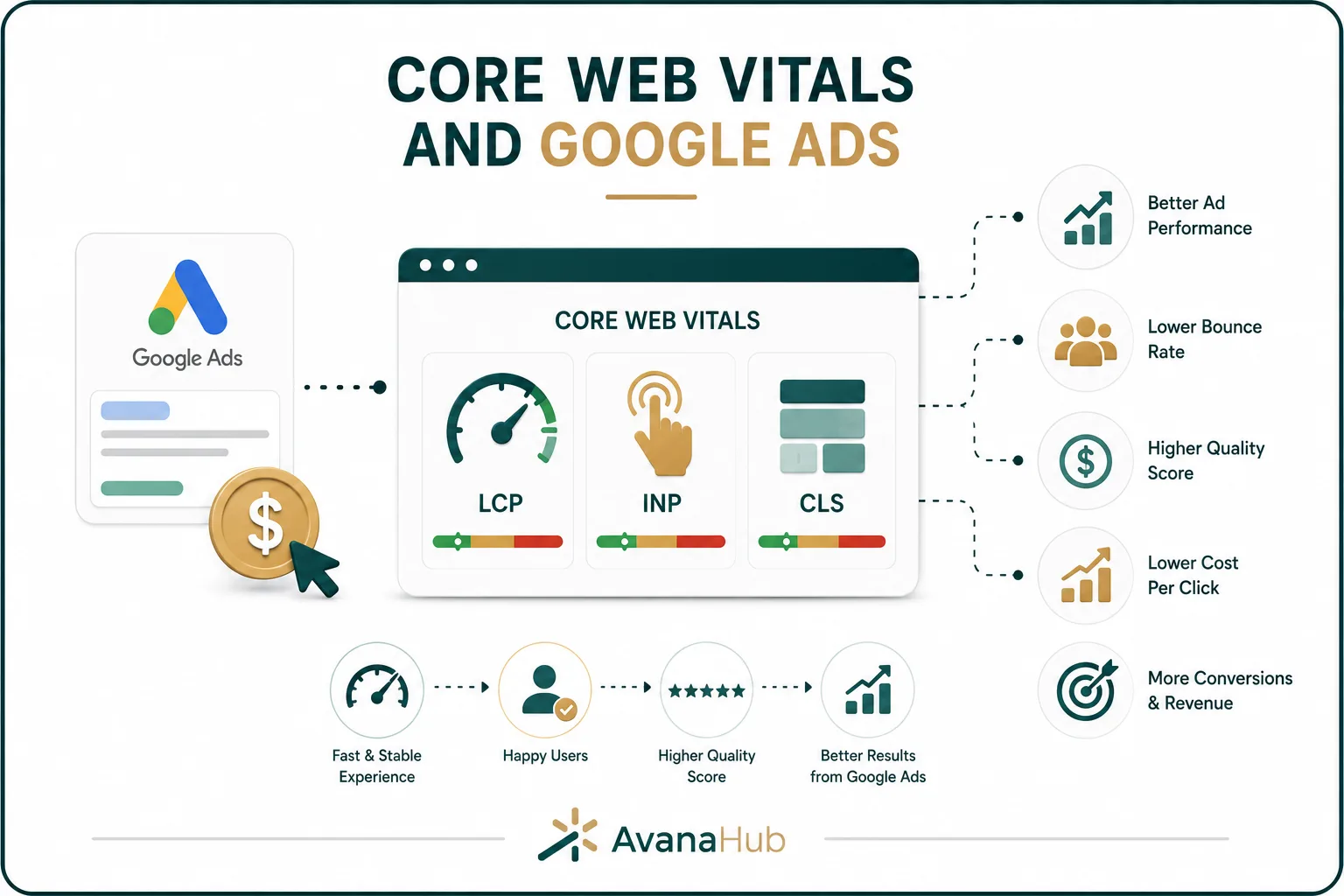
Core Web Vitals can also affect paid traffic performance. Google Ads landing pages need fast loading, clear interaction, and stable layouts to convert clicks into leads or sales.
Improving page experience can support:
- Landing page experience
- Conversion rate
- Cost efficiency
- Lead quality
- Mobile performance
- Reduced wasted ad spend
- Better post-click engagement
Paid campaigns expose performance problems quickly because every click has a cost. If a landing page loads slowly or responds poorly, ad spend is lost before the offer can be evaluated.
Core Web Vitals should be checked before launching large campaigns, especially for mobile-heavy traffic.
Core Web Vitals and Content Marketing
For content pages, prioritize fast loading of the main heading and first content block, optimized featured images, lightweight tables of contents, responsive tables, minimal intrusive pop-ups, compressed screenshots, lazy-loaded embeds, stable ad placements, clear internal links, and fast mobile reading experience. Blog posts should also be reviewed before publishing or updating because weak headings, oversized images, missing internal links, poor formatting, and slow embeds can reduce both readability and SEO performance. A practical On-Page SEO Checklist for Blog Posts should include Core Web Vitals checks alongside title structure, content hierarchy, image optimization, internal linking, and mobile usability.
For content pages, prioritize:
- Fast loading of the main heading and first content block
- Optimized featured images
- Lightweight table of contents
- Responsive tables
- Minimal intrusive pop-ups
- Compressed screenshots
- Lazy-loaded embeds
- Stable ad placements
- Clear internal links
- Fast mobile reading experience
Content that ranks but loads poorly may attract clicks without producing meaningful engagement or conversions. Page experience helps turn organic visibility into usable attention.
Common Causes of Poor Core Web Vitals

Most Core Web Vitals problems come from a few repeated causes.
Before making changes, identify whether the issue is global, template-specific, or page-specific. A global JavaScript problem should be handled differently from one oversized image on one landing page.
How to Prioritize Core Web Vitals Fixes
After Core Web Vitals fixes are deployed, results should be monitored with field data, not judged only by one Lighthouse test. Google Search Console, Chrome UX Report, analytics data, and conversion metrics may take time to reflect real improvements because Core Web Vitals depend on actual user visits across devices, networks, and locations. This is why teams should connect performance work with realistic SEO expectations and understand How Long Does SEO Take to Work before assuming that technical improvements will create immediate ranking or traffic changes.
Use this priority order:
- Fix issues on high-traffic organic landing pages.
- Fix issues on revenue pages, product pages, service pages, and lead forms.
- Fix template-level issues affecting many URLs.
- Fix mobile problems before desktop problems if mobile traffic is significant.
- Fix problems that affect more than one metric.
- Remove unnecessary third-party scripts.
- Optimize large above-the-fold media.
- Improve server response and caching.
- Reserve space for unstable elements.
- Monitor results with field data after deployment.
A small improvement on a high-value page can matter more than a perfect score on an unimportant page.
Core Web Vitals Optimization Checklist
Use this checklist to improve page experience across important templates:
The checklist should be applied by template first: homepage, blog post, product page, category page, service page, and landing page.
A Practical Core Web Vitals Workflow Most Teams Miss
Many teams run speed tests, fix random warnings, and stop when the score improves. A better workflow connects Core Web Vitals to business impact and development priorities.
1. Segment Pages by Template and Value
Create a list of page groups:
This prevents teams from optimizing low-impact URLs first.
2. Identify the Metric Blocking Each Template
Do not treat “bad performance” as one problem. Identify whether the issue is LCP, INP, CLS, or a combination.
Example:
- Blog posts fail LCP because the featured image is too large.
- Product pages fail CLS because reviews and image galleries load late.
- Landing pages fail INP because of A/B testing scripts and form widgets.
- Category pages fail INP because filtering scripts block the main thread.
Each metric needs a different fix.
3. Assign Ownership by System
Core Web Vitals issues often belong to different teams.
Without ownership, performance tasks remain unresolved because every team assumes another team controls the issue.
4. Validate With Field Data
After fixes are deployed, monitor:
- Google Search Console validation
- Chrome UX Report data
- Real-user monitoring
- Organic traffic changes
- Conversion rate changes
- Mobile engagement
- Error reports
Field data may take time to reflect improvements because it depends on real user visits. Lab tests can confirm that a fix is technically correct, but field data confirms whether users experience the improvement.
Developer-Focused Fixes for Core Web Vitals
For development teams, the most effective fixes usually happen in code, templates, rendering strategy, and asset delivery.
Technical actions include:
- Implement server-side rendering or static generation for SEO-critical pages.
- Use route-level code splitting.
- Defer non-critical JavaScript.
- Remove unused CSS and JavaScript.
- Use responsive image sizes with srcset.
- Preload the LCP image.
- Avoid loading hidden carousel images above the fold.
- Reduce hydration costs in JavaScript frameworks.
- Use lazy loading for below-the-fold media.
- Use priority hints carefully for critical assets.
- Cache HTML and static assets effectively.
- Use a CDN for global users.
- Avoid excessive DOM nodes.
- Reduce layout recalculations caused by scripts.
- Reserve dimensions for media and dynamic components.
The goal is not only to pass a score. The goal is to make important pages reliably fast for real users.
Marketing-Focused Fixes for Core Web Vitals
Marketing teams often add scripts and tools that affect performance. These tools may be useful, but they should be reviewed carefully.
Marketing-related performance issues often come from:
- Chat widgets
- Heatmap tools
- A/B testing platforms
- Multiple analytics tags
- Social media pixels
- Call tracking scripts
- Pop-up tools
- Review widgets
- Embedded videos
- Form tools
- Personalization platforms
A practical marketing performance audit should ask:
- Is this script still used?
- Does it support a measurable KPI?
- Is it needed on every page?
- Can it load after user interaction?
- Can it be limited to specific page types?
- Does it affect mobile performance?
- Is there a lighter alternative?
- Can duplicate tracking be removed?
Every third-party script should have a business reason. Tools that no longer support decisions should be removed.
Core Web Vitals for WordPress Sites
WordPress websites often struggle with Core Web Vitals because of heavy themes, too many plugins, unoptimized images, page builders, and third-party scripts.
Common WordPress improvements include:
- Use a lightweight theme.
- Remove unused plugins.
- Replace heavy page builder elements where possible.
- Enable full-page caching.
- Use object caching when appropriate.
- Compress images automatically.
- Serve WebP images.
- Use a CDN.
- Delay non-critical JavaScript.
- Optimize fonts.
- Limit sliders and animation libraries.
- Clean up database bloat.
- Avoid loading plugin assets on pages where they are not needed.
WordPress optimization should be tested carefully because aggressive caching or script delay settings can break forms, menus, checkout, analytics, or tracking.
Core Web Vitals for Shopify and Ecommerce Sites

Ecommerce websites often have complex performance challenges because they rely on product media, apps, tracking, reviews, personalization, recommendations, filters, and checkout scripts.
Key ecommerce fixes include:
- Compress product images.
- Avoid oversized gallery images.
- Limit third-party apps.
- Remove unused app code.
- Optimize product recommendation widgets.
- Reserve space for reviews and price blocks.
- Improve category page filtering performance.
- Use pagination or optimized infinite scroll.
- Avoid loading all product variants at once if unnecessary.
- Test add-to-cart responsiveness.
- Monitor checkout and cart performance.
- Keep product schema accurate and lightweight.
For ecommerce SEO, Core Web Vitals improvements should focus first on category pages, product pages, cart pages, and landing pages that receive organic or paid traffic.
Core Web Vitals and Technical SEO Audits
Core Web Vitals should be part of every technical SEO audit, but they should not be evaluated in isolation. Performance issues often connect with crawlability, rendering, templates, JavaScript, media handling, mobile usability, tracking scripts, and conversion paths. Businesses that do not have an internal technical SEO or development team may need structured SEO Services to diagnose failing templates, prioritize fixes by business impact, coordinate implementation, and validate improvements with real-user data after deployment.
A technical SEO audit should check:
- Which templates fail Core Web Vitals
- Whether important content is server-rendered
- Whether JavaScript delays content discovery
- Whether images are properly sized
- Whether internal links work without heavy scripts
- Whether layout shifts affect CTAs
- Whether mobile users experience worse performance
- Whether third-party scripts are necessary
- Whether performance issues affect indexed pages
- Whether poor pages also have ranking or conversion problems
Core Web Vitals are most valuable when connected to search visibility and user outcomes, not only to technical scores.
Common Core Web Vitals Mistakes
The most common mistakes include:
- Optimizing for desktop while most users are mobile
- Focusing only on Lighthouse scores
- Ignoring field data
- Fixing low-value pages before high-value templates
- Compressing images but ignoring JavaScript
- Removing scripts without checking tracking needs
- Adding pop-ups that create layout shift
- Using sliders with large images above the fold
- Loading chat widgets on every page
- Forgetting to reserve space for ads or embeds
- Testing only the homepage
- Assuming a plugin will solve all performance issues
- Not validating after deployment
- Treating Core Web Vitals as only an SEO task
The most expensive mistake is optimizing scores without improving the actual user journey. A page can score well in a lab and still fail users if forms, menus, checkout, or key interactions are slow.
Core Web Vitals KPIs to Track
Core Web Vitals should be tracked with both technical and business metrics.
Performance work should be evaluated before and after deployment. Use annotations in analytics tools to connect technical changes with traffic and conversion trends.
How Often Should You Review Core Web Vitals?
Core Web Vitals should be monitored continuously for large or revenue-critical websites and reviewed regularly for smaller websites.
Core Web Vitals can worsen after design changes, plugin updates, new tracking scripts, new ads, new CMS components, or content team uploads. Monitoring should be part of normal website maintenance.
Conclusion
Core Web Vitals measure whether a page loads quickly, responds smoothly, and stays visually stable for real users. LCP focuses on main content loading, INP measures responsiveness after interaction, and CLS tracks unexpected layout movement. Improving these metrics can support SEO, conversion rate, paid campaign efficiency, content engagement, and overall page experience. The best approach is to prioritize high-value templates, diagnose the specific failing metric, assign ownership, implement targeted fixes, and validate results with real-user data.
Are Core Web Vitals a Google ranking factor?
Yes, Core Web Vitals are part of Google’s page experience signals. They are usually not stronger than relevance, content quality, and authority, but poor scores can hurt competitiveness and user satisfaction.
What is a good Core Web Vitals score?
Good scores are LCP at 2.5 seconds or less, INP at 200 milliseconds or less, and CLS at 0.1 or less. These thresholds should be checked separately for mobile and desktop.
Which Core Web Vital is most important?
All three matter, but the most important one depends on the page problem. LCP affects loading, INP affects responsiveness, and CLS affects layout stability.
Can a slow website still rank on Google?
Yes, a slow website can rank if it strongly satisfies search intent and has strong authority. However, slow pages often lose users, conversions, and competitive advantage.
How long does it take to see Core Web Vitals improvements?
Lab test improvements can appear immediately after fixes. Field data can take longer because it depends on real user visits and reporting windows.